MacroFactor.
More context.
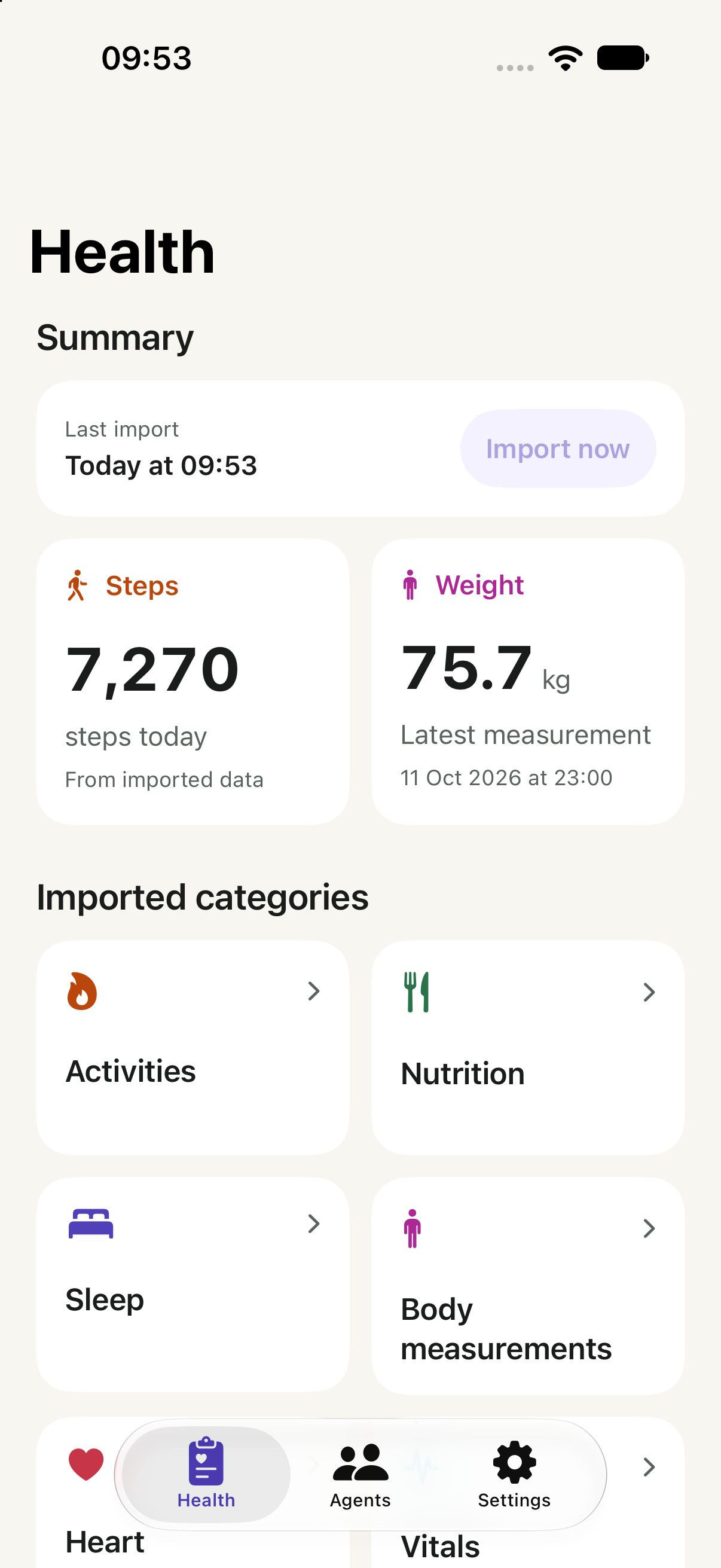
Bring the nutrition MacroFactor shares with Apple Health into a conversation alongside your sleep, activity and body measurements.
See the setupFor iPhone. Check your AI account and records.
 HealthSync→ Your AI
Food, training and weight. Together.
Selected records.Approved by you.
Keep logging. Add context.
Keep your food tracking in MacroFactor. Use HealthSync to share supported nutrition records already in Apple Health, together with the other categories you choose.
This is a route through Apple Health, not a direct MacroFactor integration. Do not expect MacroFactor’s expenditure estimates, targets or complete food diary through this connection.
Check before
you start.
Confirm your records and your destination before connecting.
Check one nutrient first
In Apple Health, find a nutrient you use, such as Protein. Open Show All Data and inspect a recent entry. Check that its source is MacroFactor before importing it into HealthSync.
See the nutrient coverage below.
Using Claude?
Open Customize → Connectors. Look for + Add → Add custom connector. An organisation owner may need to add it first.
Claude documents custom connectors on Free, Pro, Max, Team and Enterprise; Free allows one. Your workspace can restrict access.
Check Claude’s current account and setup requirements ↗
Provider documentation checked 20 October 2026. Account eligibility is separate from a completed HealthSync connection.
Using another AI client?
Check its remote MCP and OAuth support against the client requirements. In HealthSync, open Agents and follow the guide for that provider. Support for MCP alone does not confirm compatibility with HealthSync.
Find records and sources in Apple Health ↗. Depending on iOS, open Search or Browse, then the category and measurement.
Ask with context.
Choose an example to see what context you could share.
Compare my recorded calorie and protein intake on workout days and rest days. Separate the sources and flag missing records.
Context to share
Nutrition quantities and workouts
Know what
comes through.
Only supported records in Apple Health, within the access you approve.
Available with your permission
- Nutrition quantities
- HealthSync supports calories, protein, carbohydrates and total fat. Check which types MacroFactor actually writes using the table below.
- Other health records
- Sleep, workouts and measurements from your permitted sources.
- Your choice of AI
- Use an agent with a compatible HealthSync connection.
The limits matter
MacroFactor calculations
Do not assume expenditure estimates, weight trends or nutrition targets are exported.
Food logging
HealthSync cannot create meals or edit entries in MacroFactor.
Which nutrients can you use?
MacroFactor documents nutrition export to Apple Health, but its linked guide does not enumerate the nutrients. Verify each type in your own records; the examples below are HealthSync support, not a verified MacroFactor export list.
| Record | MacroFactor → Apple Health | Apple Health → HealthSync |
|---|---|---|
| Calories, protein, carbohydrates, total fat | Check write permission and a recent source entry. | Supported |
| Fibre, sugar, sodium, vitamin D, iron, magnesium | Export of these types is not verified here. Check individually. | Supported when present |
| Targets, calculated scores, recipes | Not established by nutrient export. | Not supplied through this nutrient route |
All 39 nutrition quantities HealthSync supports
These are HealthSync’s supported types, not a promise that MacroFactor exports all of them.
- Energy (calories) (kcal)
- Protein (g)
- Carbohydrates (g)
- Total fat (g)
- Fiber (g)
- Sugar (g)
- Water (mL)
- Caffeine (mg)
- Biotin (mg)
- Calcium (mg)
- Chloride (mg)
- Cholesterol (mg)
- Chromium (mg)
- Copper (mg)
- Monounsaturated fat (g)
- Polyunsaturated fat (g)
- Saturated fat (g)
- Folate (mg)
- Iodine (mg)
- Iron (mg)
- Magnesium (mg)
- Manganese (mg)
- Molybdenum (mg)
- Niacin (B3) (mg)
- Pantothenic acid (B5) (mg)
- Phosphorus (mg)
- Potassium (mg)
- Riboflavin (B2) (mg)
- Selenium (mg)
- Sodium (mg)
- Thiamin (B1) (mg)
- Vitamin A (mg)
- Vitamin B12 (mg)
- Vitamin B6 (mg)
- Vitamin C (mg)
- Vitamin D (mg)
- Vitamin E (mg)
- Vitamin K (mg)
- Zinc (mg)
MacroFactor’s official integration guide ↗ · Checked 20 October 2026. HealthSync support comes from the app’s current data catalogue.
Try one record: Apple Health → Search or Browse → Nutrition → your nutrient → Show All Data. Inspect the source and date, then look for that record in HealthSync. A permission toggle alone does not confirm an export.
From records.
To your AI.
Import your records, connect your AI, then choose when to share.
Enable MacroFactor sharing
In MacroFactor, open More → Integrations and enable Apple Health. Allow the nutrition types you want it to write. Check a recent record in Apple Health, then import your chosen categories into HealthSync.
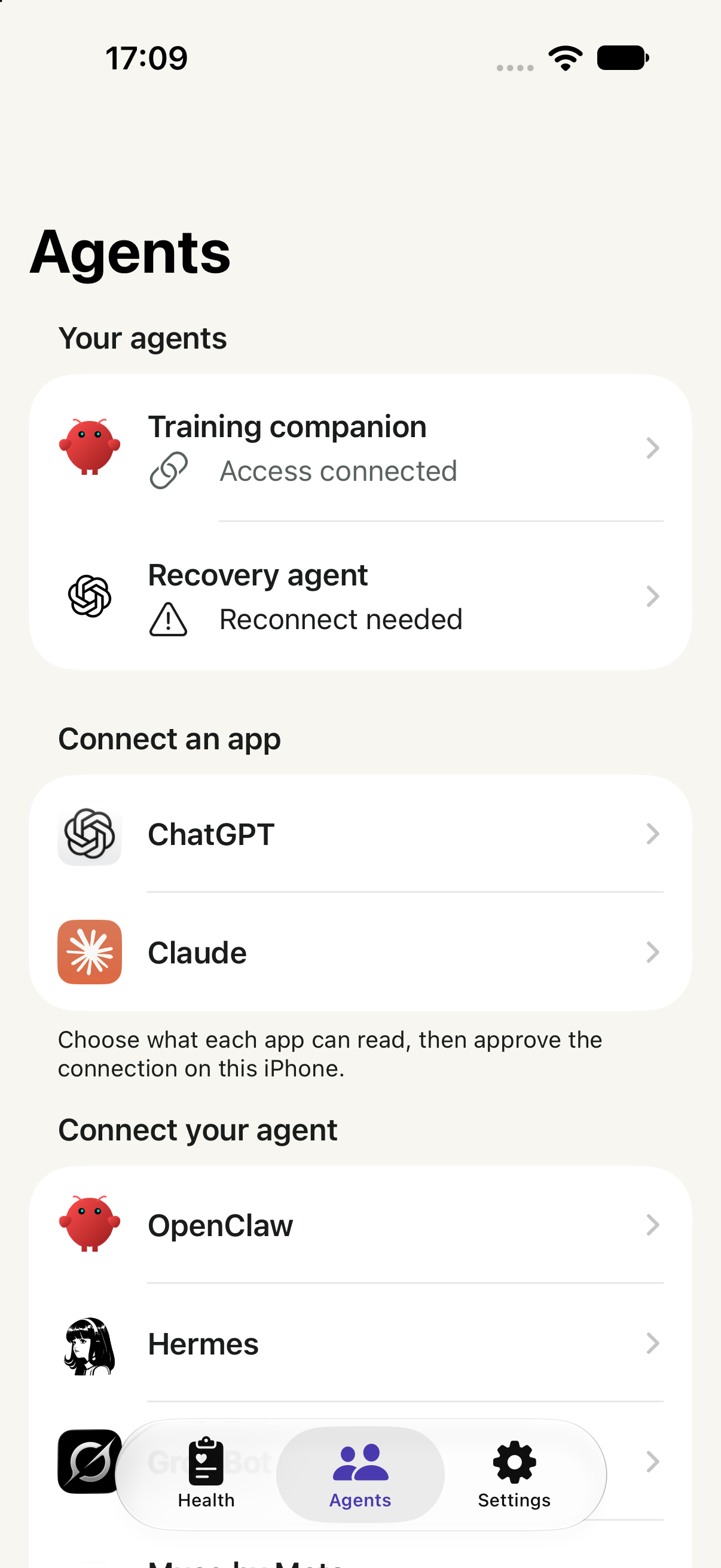
Choose your agent
Open Agents in HealthSync and follow your provider’s guide. In Claude, open Customize → Connectors → + Add → Add custom connector. Enter the address below and use OAuth sign-in.
For Team or Enterprise, an organisation owner may need to add the connector first. Check your account.
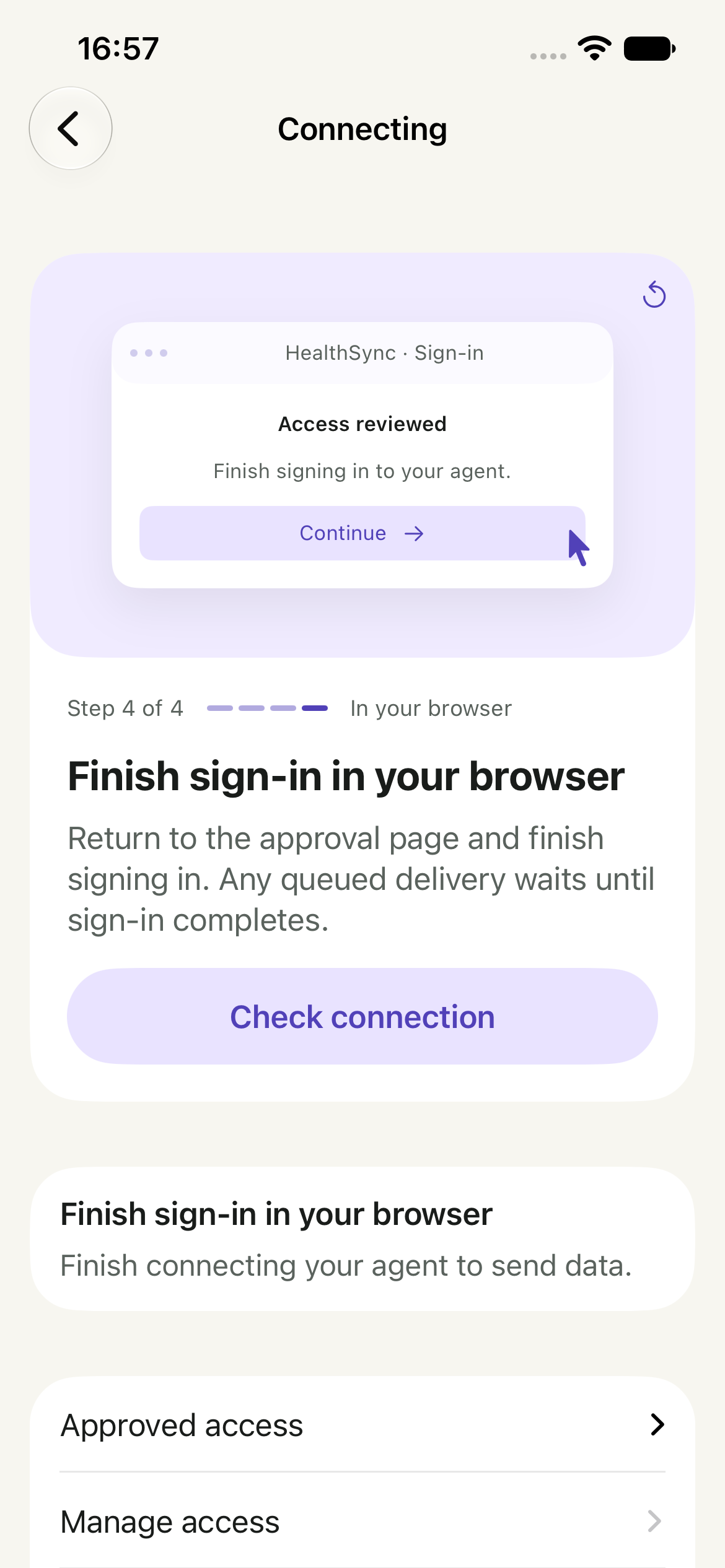
Review access on iPhone
Open HealthSync from the approval page. Review the recipient, purposes and categories. Choose one of the sharing paths below, then return to the original browser to finish sign-in.
Approval, browser sign-in and receipt of your records are separate states.
HealthSync’s remote MCP address
https://api.healthsync.me/mcpChoose when to share
Share now
Choose Connect & share data. This queues a one-time send of your selected records after you finish browser sign-in. Recent data can become ready while older history imports.
Connect first
Choose Connect without sending. After browser sign-in, return to Agents → your connection → Send data in HealthSync when you are ready. Connecting alone sends no records.
When HealthSync shows the data is ready, enable the connector in your AI conversation and ask a question. Only a confirmed receipt means the agent retrieved it. Recurring updates are a separate choice.
Connected, but your agent has no data?
Check that the records exist in your HealthSync library, that this connection can read their categories, and that browser sign-in is complete. If you connected without sending, choose Send data. Follow the connection’s status or retry guidance, then ask the agent to read HealthSync again.
App captures use illustrative data.
Your records.
Your decision.
A library on your iPhone. Access for the agent you approve.
Sending selected records uses HealthSync’s cloud service. Temporary transfer copies are removed after confirmed receipt or expire after seven days. Copies your agent receives follow that provider’s policies.
You can narrow, pause or revoke an agent’s access in HealthSync.
Read the privacy policy ↗Before you connect.
Is this a MacroFactor MCP server?
It is a HealthSync MCP connection to Apple Health records. HealthSync does not sign in to MacroFactor or access its private backend.
Can Claude add meals to MacroFactor?
Not through HealthSync. This proposal covers reading supported health records for analysis, not writing food entries into MacroFactor.
Will I get my full food diary?
Do not assume so. This route depends on the supported records MacroFactor actually writes to Apple Health. It is not equivalent to MacroFactor’s own data export.
Can I use it alongside MacroFactor?
Yes. You keep using MacroFactor for tracking and its own calculations. HealthSync provides another way to use the supported records it shares.